Start from a template
you want a good-looking ticket fast - pick one of the bundled designs and make it yours instead of starting from a blank canvas.
The Ticket Designer is a drag-and-drop studio built into WordPress. It ships with 27 ready-made templates for everything from a concert to a wedding to a dentist appointment – all fully editable. Starting from one is the fastest way to a professional ticket.
Open the designer
- Go to Venuera → Ticket Designer.
- Click Create Ticket Template to open a blank canvas, then apply a ready-made design from the Ready-made templates panel in the editor sidebar – or build from scratch.
- Pick a ticket size – there are 12 presets (Standard, Concert, Badge, A6/A5/A4 and more) plus a custom size.
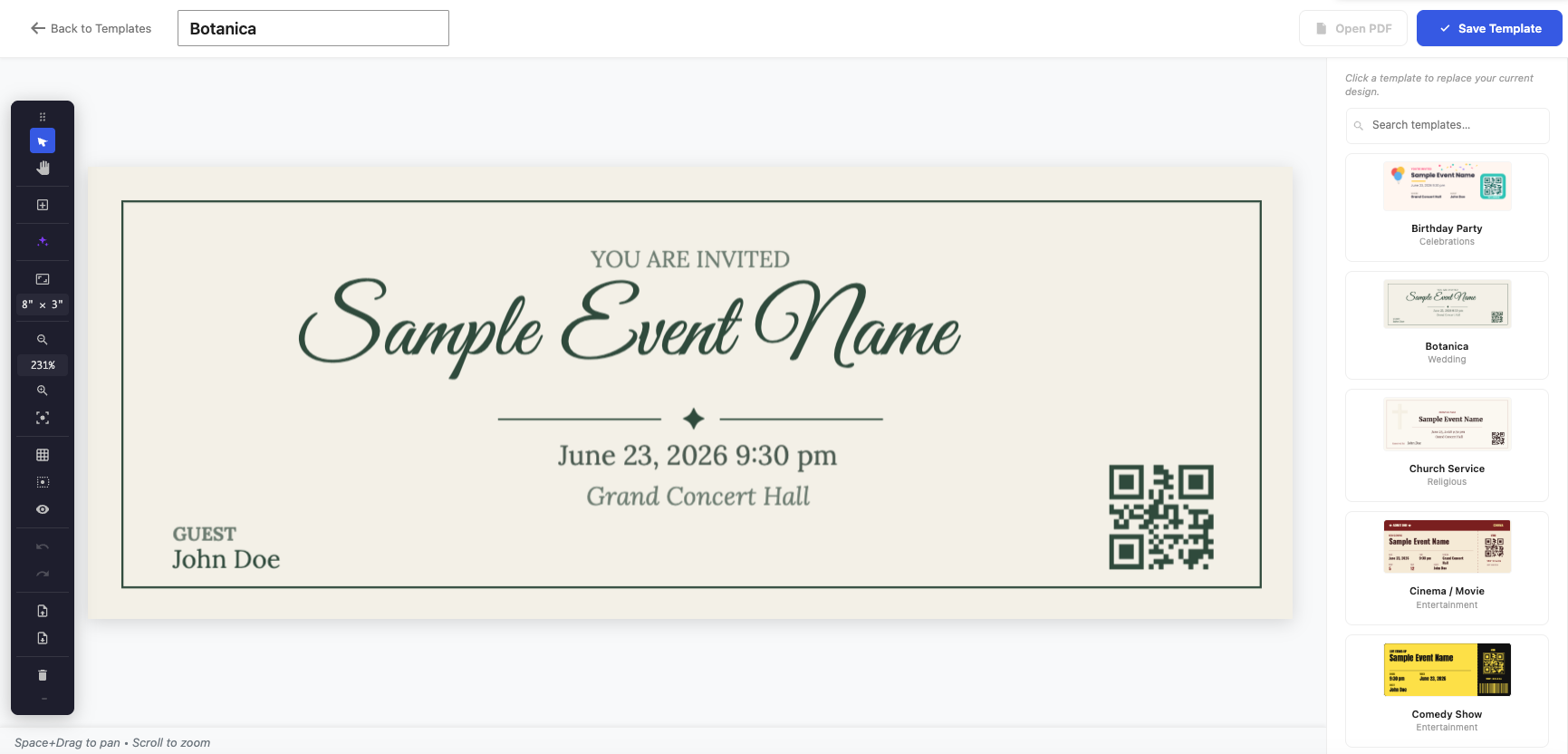
Make it yours
Every template is just a starting layout. Click any element to edit it in the right-hand properties panel – change the text, swap colours, move the logo, replace the background image. The decorative art that comes with each template is bundled, so you can reuse or delete it freely.
Bind it to a ticket
A design becomes a real ticket when it’s assigned. Venuera resolves which design to use in this order: a specific product variation → the product → the event → your global default. So you can set one house style globally and override it only where a particular event or tier needs something special. You assign a design with the Ticket Template dropdown on the Event Ticket product (and per variation for variable tickets), or set the global default that applies everywhere else.
Next step
Learn the editor itself in drag-and-drop basics.