Large venues & the overview mode
your room has hundreds or thousands of seats and you need to design and navigate it without getting lost.
Big rooms need tools that keep them manageable. The Venue Designer is built to stay fast and legible even with thousands of seats.
Navigate a big map
In the editor, zoom and pan (and zoom-to-fit) to move around a large layout. On the buyer’s side, very large maps – more than about 1,200 bookable spots in a section by default (each seat, whole table or standing area counts as one) – open automatically in an overview mode: sections are shown coloured by availability and the visitor zooms into one to pick a seat. The threshold is configurable in Venuera → Settings.
Stays crisp at any size
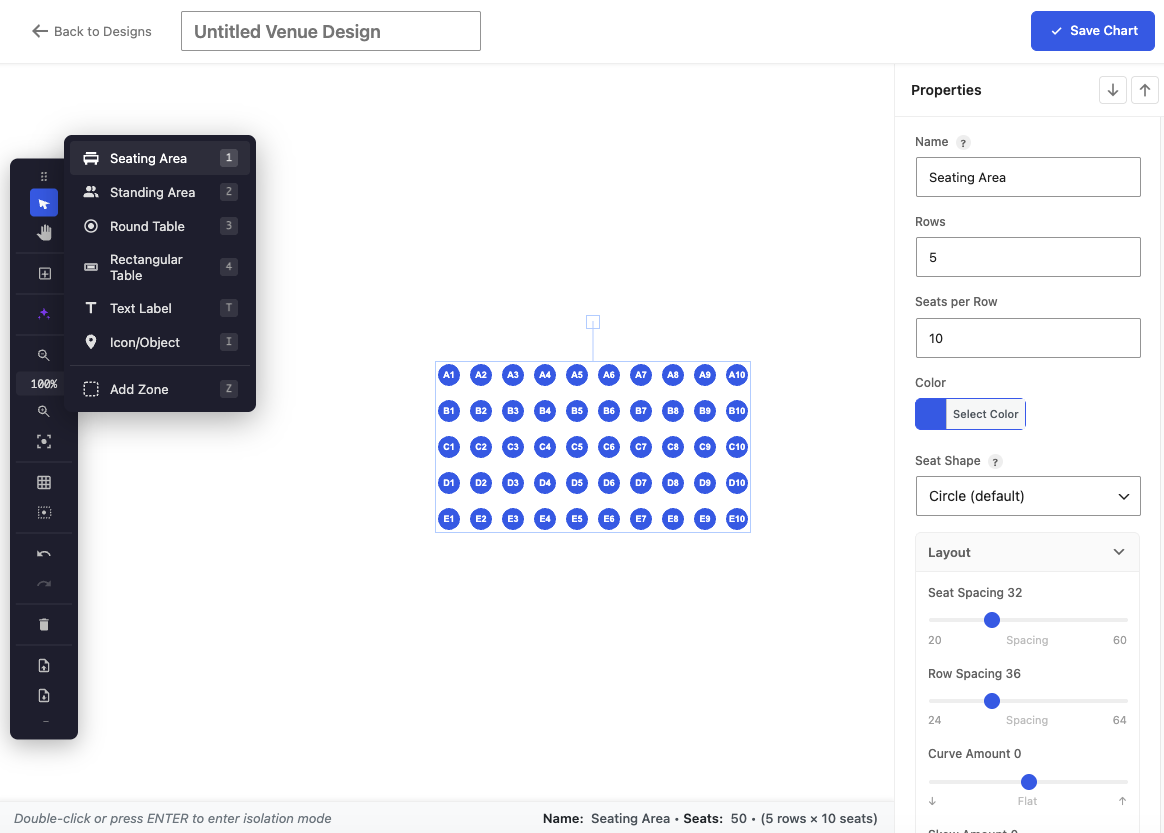
Because seats and labels are drawn as live vectors rather than cached images, they remain sharp whether you’re looking at the entire arena or a single row – no blur when you zoom in to check a seat number.
Overview mode in 3D
The 3D seat map uses the same threshold: zoomed out, each section is one block showing how many spots are free, and clicking it zooms in to pick a seat.
Next step
Designed a big room once? Reuse it across every show in it.