Round & rectangular tables
You're here because
you run a gala, a banquet or a club night where people book seats around tables, not in rows.
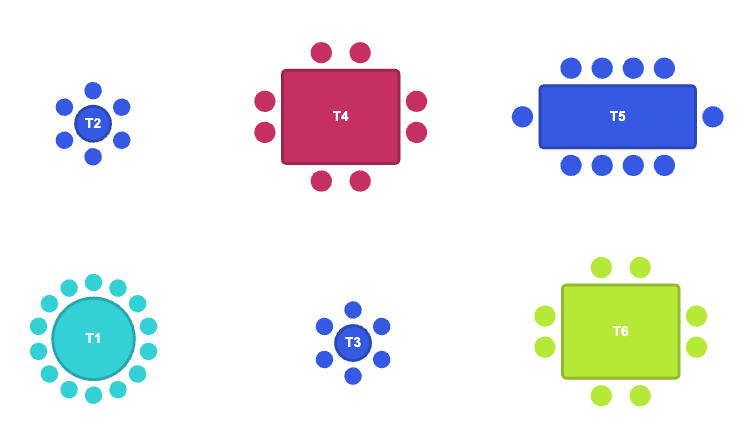
For seated dinners and cabaret layouts, the Venue Designer has tables – round or rectangular – with seats arranged around them.
Add a table
- Drop a round or rectangular table onto the canvas.
- Set how many seats it has; they arrange around the table automatically.
- Label the table (Table 1, Table 2…) and position it to match the floor plan.
How buyers book
A table can be sold two ways. By default it is sold as a whole table – one booking for the group, with the ticket showing the table label (e.g. “T1”). Switch a table to by-seat booking and buyers pick an individual chair; each seat then carries its table-and-seat label (e.g. “T1-3”) onto the ticket, so guests find their place easily.
Selling whole tables? Combine tables with pricing so a premium table near the stage costs more than one at the back.
Was this article helpful?
No or only partly? Tell us what was missing