Live counts & the Door Staff role
you want gate staff to scan tickets without having full admin access, and you want to watch the door fill up in real time.
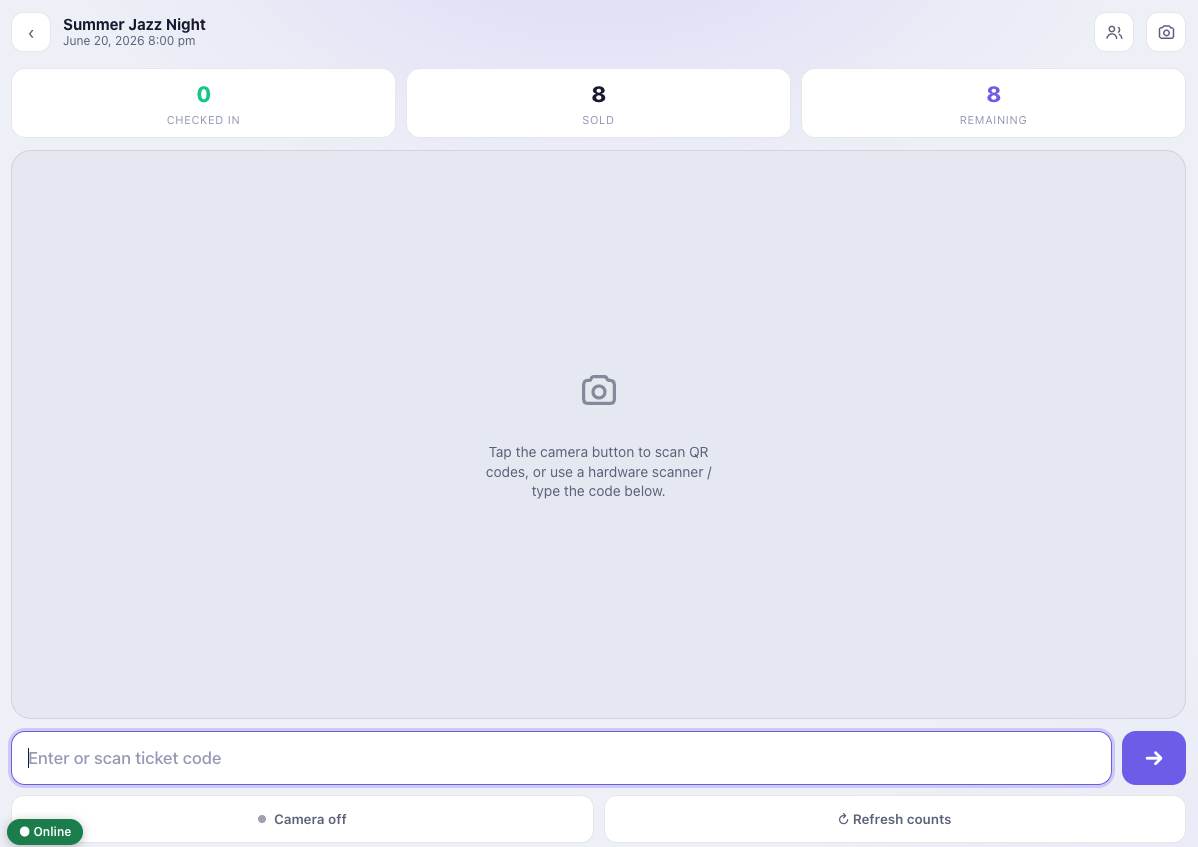
The check-in app is built to be handed to staff safely and to show how the door is doing at a glance.
The Door Staff role
Activating the add-on adds a Door Staff role whose only meaningful capability is checking people in (it also has WordPress’s baseline access so the account can sign in). Give gate staff that role (or a WordPress account that has the check-in capability) and they can use the app without access to events, orders, settings or anything else in wp-admin. If you ever need to revoke access, remove the role.
Live counts
The top of the scan screen shows sold, checked in and remaining for the event, updating as people come through. You can have the counts auto-refresh on an interval (every 10 seconds by default) so a supervisor’s device is always current.
Undo a mistake
Managers can undo the last check-in if a ticket was scanned by accident – it reverts the entry and the counts. Undo is always restricted to managers (accounts that can manage WooCommerce or Venuera events); ordinary Door Staff never see it, and you can disable undo entirely in settings.